How To Fix Xmarto Security Camera Errors

Xmarto are decent cameras, but the older version sometimes has connectivity issues, where the cameras jump on and off. In this article, we'll take a quick look at how to fix one of the direct connectivity issues.
The first thing that you should do is configure the camera to show again. With the camera unplugged, connect the ethernet cord to the end of one of the cameras.
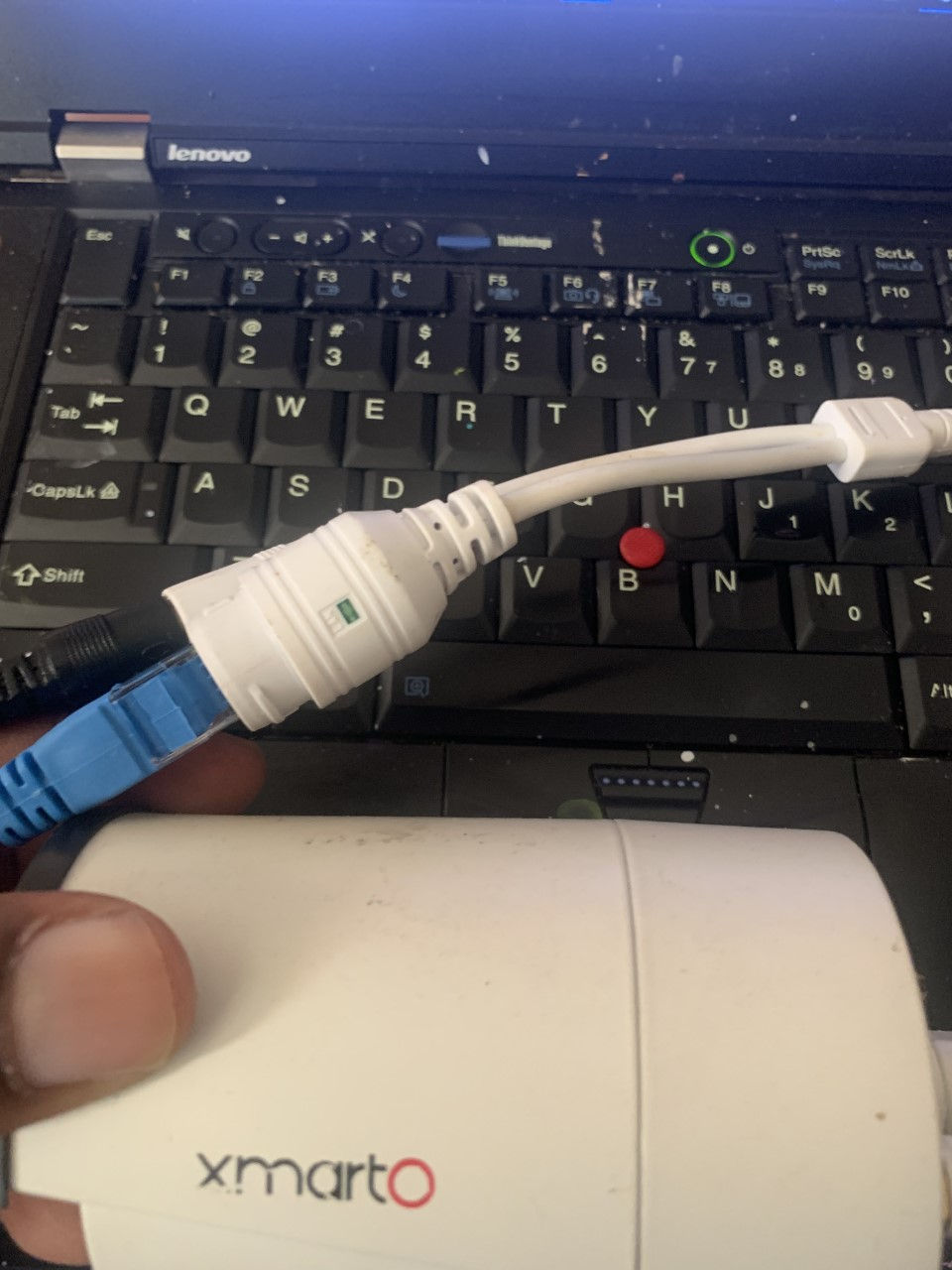
Once the ethernet is plugged into the more important port, power on the camera. Then right-click on the main page:
Click system setup
Clicks system admin(top right of the page).
Click factory setting
Make sure all boxes are selected and click ok, then click Yes
After everything resets, go to the main menu, then:
Click video manage
On the bottom of the screen, click the first channel one, then delete.
At the top page, click Refresh
Then click match code
And the camera should show again; click auto-add if other cameras appear on the Protocol section at the top half of the page.



Comments